A high-performance Model Context Protocol (MCP) server. Enables AI Agents to fetch real-time GitHub repository data—including SemVer-sorted tags, file content, and directory trees—without local cloning. Solves the 'outdated dependency knowledge' problem for LLMs.
Git MCP Go


Git Remote MCP is a high-performance Model Context Protocol (MCP) server written in Go. It empowers AI Agents (Claude Desktop, Gemini CLI, Cursor, Qwen) to explore, search, and analyze GitHub repositories in real-time without the need for local cloning.
The Problem It Solves
AI models often suffer from a "knowledge cutoff" or hallucinate library versions. This tool provides Real-Time Context:
- Outdated Dependencies: AI can fetch the absolute latest SemVer-sorted tags to recommend up-to-date libraries.
- Context Gap: AI can "read" remote source code, file structures, and documentation to understand libraries it wasn't trained on.
- Blind Coding: Instead of guessing APIs, the AI can search and read the actual implementation in the repository.
| Gemini CLI in Action | Qwen CLI in Action |
|:--------------------:|:------------------:|
| 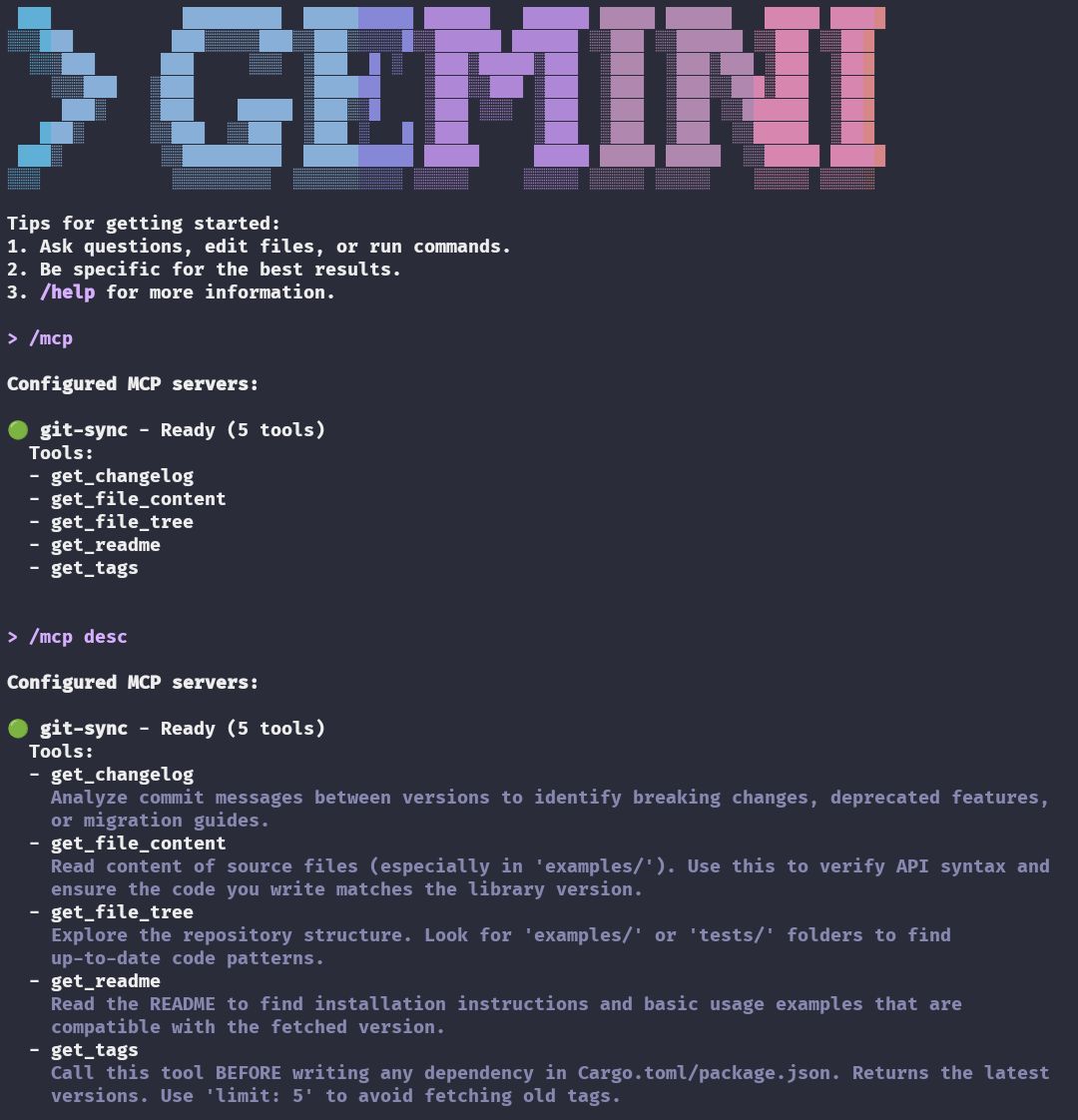 |
| 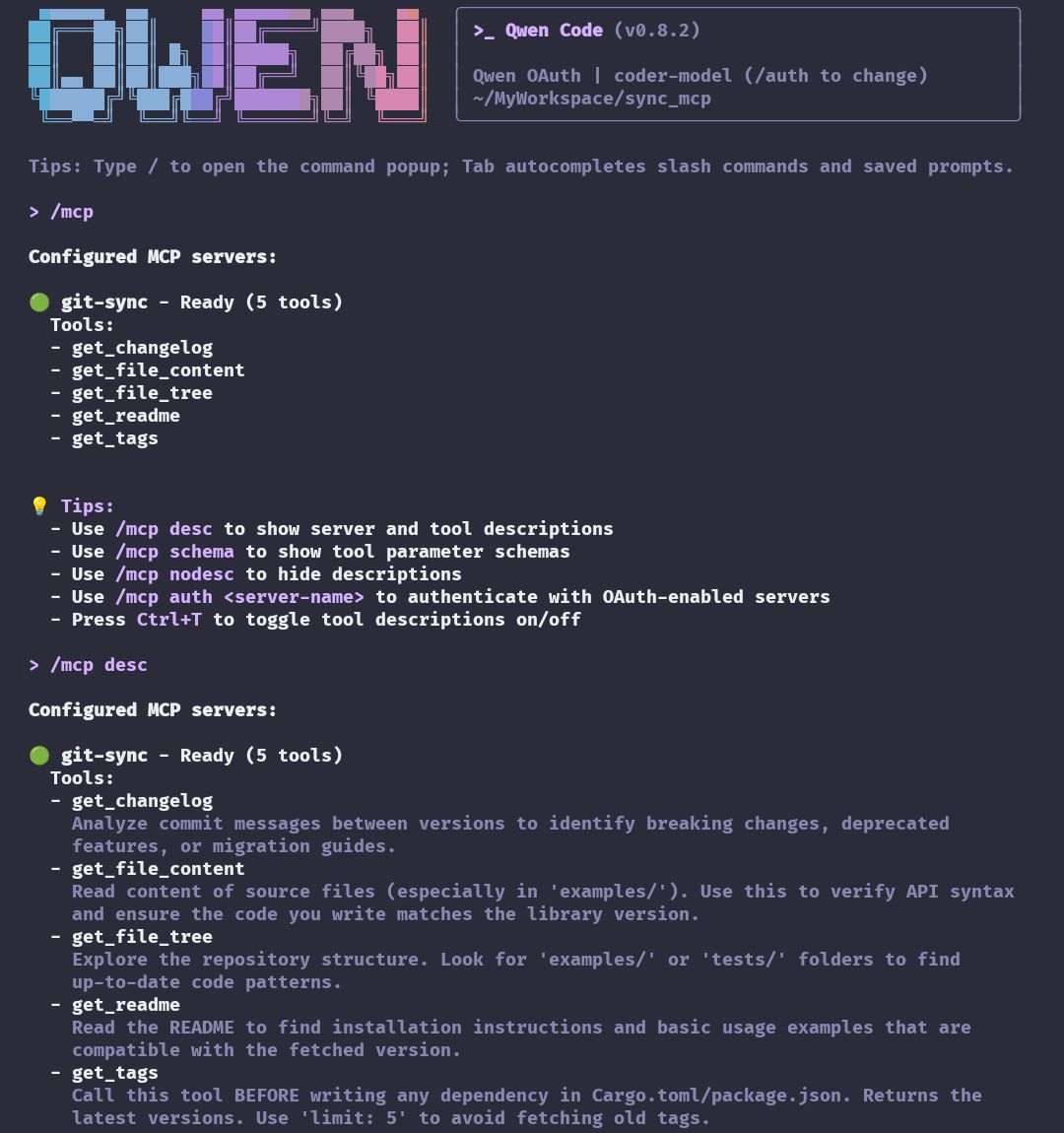 |
|
Why Go?
- Zero System Dependencies: No OpenSSL or C-bindings required (unlike
reqwestin Rust which can have cross-compilation issues). - Super Fast Compilation: Rebuilds complete in under 0.5 seconds.
- Easy Cross-Compilation: Build for any platform with simple
GOOS/GOARCHenvironment variables. - Concurrency Ready: Future features can leverage Go's
goroutinesfor parallel repository operations.
Features
- Zero-Clone Exploration: Fetch trees, files, and metadata via GitHub API instantly.
- Smart Dependency Solving: Fetches and sorts tags by Semantic Versioning (SemVer), ensuring the AI suggests the actual latest version.
- Semantic Search: Find functions, structs, or text across the entire repository using GitHub's Search API.
- Secure & Scalable: Natively supports
GITHUB_TOKENauthentication to increase API rate limits from 60 to 5,000 requests/hour. - Multi-Arch Support: Cross-compile for
x86_64,aarch64(ARM64), andarmv7easily.
Tools Available for AI
| Tool | Description |
|------|-------------|
| get_tags | Returns latest tags/versions. Supports limit and SemVer sorting (e.g., v1.10 > v1.9). |
| search_repository | Search for code, specific functions, or text definitions within the repo. |
| get_file_tree | Recursively lists files to reveal project architecture/structure. |
| get_file_content | Reads the raw content of specific files from any branch/tag. |
| get_readme | Automatically fetches the default README for a quick project overview. |
| get_changelog | Compares two tags and returns a summary of commit messages. |
Visualizing the Data Flow
sequenceDiagram
    participant User
    participant AI as AI Agent
    participant MCP as Git-Remote-MCP
    participant GitHub as GitHub API

    User->>AI: "Use library X in my project"
    AI->>MCP: get_tags(url_X, limit=5)
    MCP->>GitHub: Request Tags Metadata (Auth Token)
    GitHub-->>MCP: Raw Tags Data
    Note over MCP: Sorting via SemVer Logic
    MCP-->>AI: ["v2.1.0", "v2.0.9", ...]

    AI->>MCP: search_repository(query="struct Config")
    MCP->>GitHub: Search Code API
    GitHub-->>MCP: Result Paths
    MCP-->>AI: Found in "src/config.rs"

    AI->>User: "Here is the code using v2.1.0 and correct config struct"
Installation
Option A: Quick Install (Binary)
Install the pre-compiled binary for your OS and Architecture (Linux x86_64/aarch64/armv7 or macOS Intel/Silicon):
curl -fsSL https://raw.githubusercontent.com/HanSoBored/git-mcp-go/main/installation/install.sh | bash
Option B: Build from Source (Go)
Requires Go 1.21+:
git clone https://github.com/HanSoBored/git-mcp-go.git
cd git-mcp-go
./installation/build.sh
Option C: Manual Build
cd src/
go mod download
go build -ldflags="-s -w" -o git_mcp

# Cross-compile for Linux x86_64
GOOS=linux GOARCH=amd64 go build -ldflags="-s -w" -o git_mcp_linux_amd64

# Cross-compile for macOS ARM64
GOOS=darwin GOARCH=arm64 go build -ldflags="-s -w" -o git_mcp_darwin_arm64
Configuration
Add this to your MCP client configuration (Claude Desktop, Cursor, Gemini CLI, etc.):
{
  "mcpServers": {
    "git-remote": {
      "command": "/usr/local/bin/git_mcp",
      "args": [],
      "env": {
        "GITHUB_TOKEN": "ghp_your_personal_access_token_here"
      }
    }
  }
}
Important: Adding a GITHUB_TOKEN is highly recommended to avoid the 60 requests/hour rate limit. With authentication, you get 5,000 requests/hour.
System Prompt for AI Agents
To maximize the utility of this MCP, add this to your Agent's system instructions:
You are equipped with the 'git-remote' MCP toolset.
1. When asked about a library/dependency, ALWAYS use 'get_tags' with 'limit: 5' to verify the latest version. Do not guess.
2. Before suggesting implementation details, use 'search_repository' to find relevant code definitions (structs, functions).
3. Use 'get_file_content' to read the actual code context before answering.
4. If a user asks about a project structure, use 'get_file_tree'.
Example Usage
Check Latest Version
User: "What's the latest version of clap?"
AI: [Calls get_tags with url="https://github.com/clap-rs/clap", limit=5]
AI: "The latest version is v4.5.59"
Search for Code
User: "How does this project handle dlopen?"
AI: [Calls search_repository with query="dlopen"]
AI: [Calls get_file_content to read the relevant file]
AI: "Here's how dlopen is handled..."
License
MIT License. Feel free to use and contribute!