A PostgreSQL-backed Git implementation and semantic memory MCP server for AI coding agents.
PG-Git (Semantic Memory MCP)
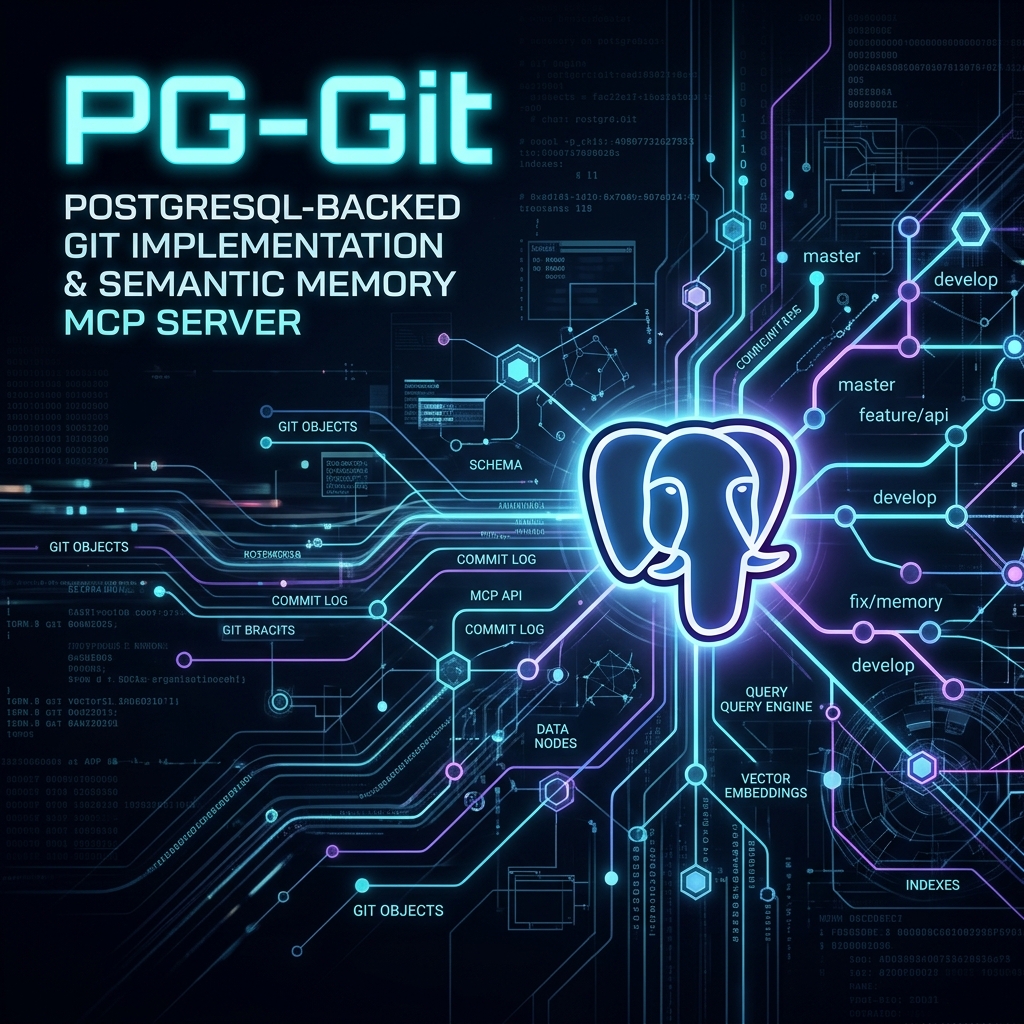
A persistent, PostgreSQL-backed repository management system and semantic memory MCP server. Instead of storing Git objects loosely on the file system, PG-Git stores the entire Directed Acyclic Graph (DAG) natively in PostgreSQL, complete with automatically generated, temporally-decayed semantic vector embeddings for AI IDEs.





🧠 Why PG-Git?
In the standard AI coding agent ecosystem, searching codebases relies on rigid grep searches or expensive AST parsing. PG-Git fundamentally changes this by bridging Git directly with Vector Databases:
- Semantic Code Search: Find code based on what it does, not just its syntax.
- Exponential Temporal Decay: PG-Git mathematically decays older vectors. Your agent will prioritize code you wrote yesterday over highly similar dead code written 6 months ago.
- Local-First Purity: No cloud APIs. It uses Ollama with
nomic-embed-textfor 100% private, on-device vectorization. - ACID Compliant: Native transactions ensure complete safety for multi-node accessibility and concurrent AI swarm agents.
⚡ Quick Start
You must have Ollama running with the nomic-embed-text model pulled:
ollama run nomic-embed-text
1. Install Dependencies & Migrate
You will need a running PostgreSQL instance with pgvector enabled.
npm install
cp .env.example .env
# Edit .env with your PostgreSQL credentials
node db/migrate.js
2. Import Your GitHub History
You can instantly import any local .git repository. PG-Git will natively parse the Git history, generate semantic embeddings for all blobs, and securely deduplicate them into PostgreSQL:
npm run import
3. Add to your Agent / IDE Configuration (e.g. mcp_config.json):
{
  "mcpServers": {
    "pg-git-mcp": {
      "command": "node",
      "args": ["/absolute/path/to/pg-git/server/mcp.js"],
      "env": {
        "OLLAMA_URL": "http://localhost:11434",
        "EMBED_MODEL": "nomic-embed-text"
      }
    }
  }
}
4. Start the Web UI (Optional) PG-Git includes a sleek, dual-pane IDE interface for browsing your semantic repositories.
npm run dev
🚀 Real-World Usage Examples
To effectively use PG-Git, simply speak to your IDE agent normally. It will use the MCP tools (pg_git_semantic_search, pg_git_list_repos, pg_git_read_tree, pg_git_read_blob) to interface with the database.
Example 1: Finding specific logic
You: "Where do we handle the temporal decay for the memory MCP?" Agent: [Calls
pg_git_semantic_search] "I found the logic inserver/index.jsinside thekrusch-memory-mcprepo. It uses theexp(-DECAY_RATE * age_in_days)formula."
Example 2: Reading a repository tree
You: "What is the folder structure for the pg-git project?" Agent: [Calls
pg_git_read_tree] "Here is the root directory structure..."
How Does Temporal Decay Work?
When calling pg_git_semantic_search, PG-Git returns the highest cosine-similarity matches. However, it applies Exponential Temporal Decay based on the blob's last_seen_at timestamp. If you have two very similar pieces of code, the newer one will have a significantly higher score, preventing your agent from hallucinating based on outdated implementations.
🤖 The Autonomous Agent Workflow (/close)
You can integrate PG-Git into your agentic workflow to ensure your semantic memory is always up to date.
Whenever you step away from a task, tell your agent to run the snapshot script. The agent will autonomously:
- Hash the current project folder into Git Blobs and Trees.
- Ping Ollama to embed any new or modified files.
- Commit the state directly into PostgreSQL.
Command to run:
npm run snapshot
🛠️ Configuration & Environment Variables
| Variable | Description | Default |
|----------|-------------|---------|
| DB_HOST | PostgreSQL Host address. | localhost |
| DB_PORT | PostgreSQL Port. | 5432 |
| DB_NAME | Database Name. | postgres |
| DB_USER | Database User. | postgres |
| DB_PASSWORD | Database Password. | postgres |
| OLLAMA_URL | The endpoint for your local Ollama instance. | http://localhost:11434 |
| EMBED_MODEL| The Ollama text-embedding model to use. | nomic-embed-text |
License
MIT License. Created by kruschdev.