Enhanced Model Context Protocol (MCP) server for Gemini 3.1 multimodal image generation and editing
Logo generated using nano-banana-mcp 🍌


Nano-Banana MCP Server v2 🍌
An enhanced Model Context Protocol (MCP) server that provides AI image generation and editing capabilities using Google's Gemini Multimodal Image APIs (gemini-3.1-flash-image / gemini-3-pro-image).
This is a v2 fork of the original nano-banana-mcp server, updated to support modern Gemini models, custom model configuration, and direct-from-GitHub installation.
🎨 Sample Output (Imagen 4)
Here is a preview image generated using the generate_imagen tool with the default imagen-4.0-generate-001 model:
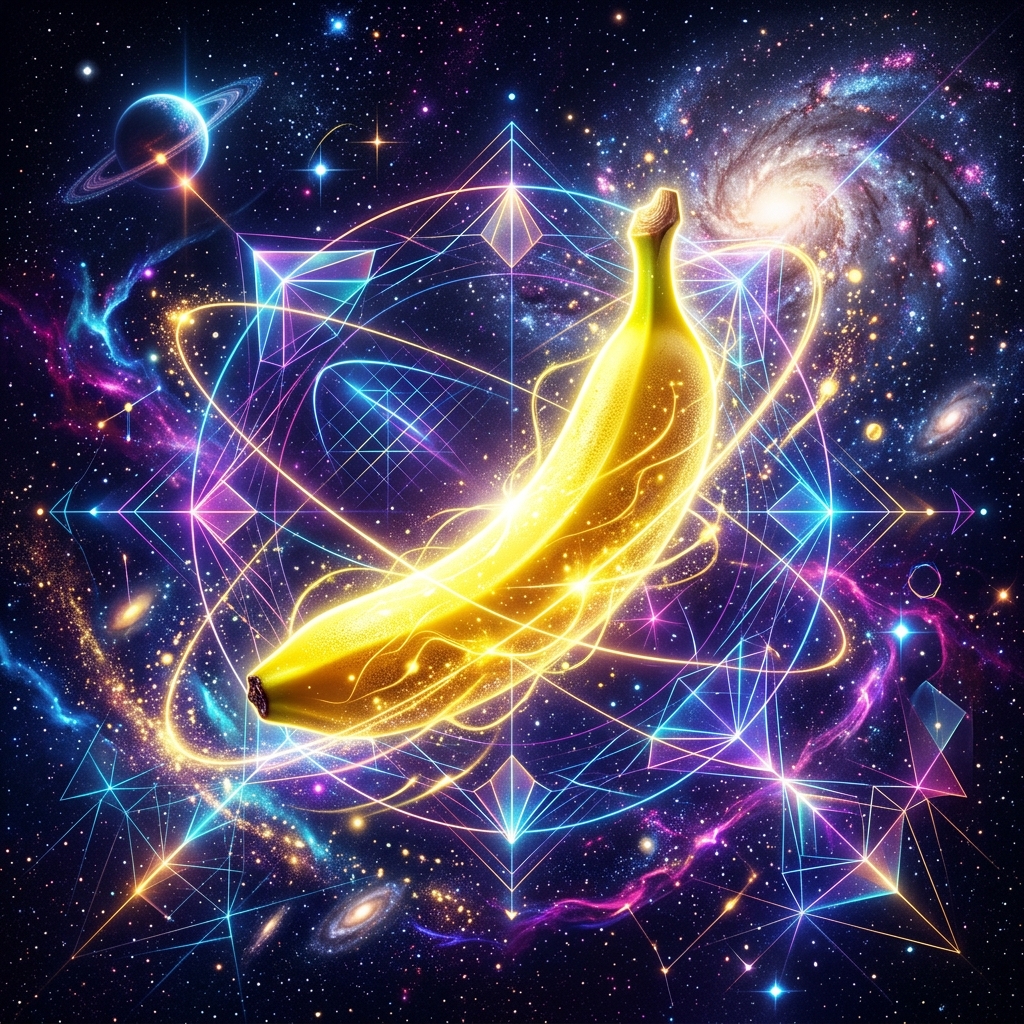
For full visual verification and diagnostic logs for this version tag, see the TEST_REPORT.md.
✨ Features
- 🎨 Generate Images: Create new images from text descriptions.
- ✏️ Edit Images: Modify existing images using text prompts and optional reference images.
- 🔄 Iterative Editing: Refine the last generated or edited image sequentially.
- 🧠 Dynamic Model Selection: Specify which model to use via tool parameters, environment variables, or rely on a smart modern fallback.
- 🚀 Zero-Publish Install: Install directly from your GitHub repository using standard Git URLs.
- 📁 Cross-Platform Auto-Saving: Automatically saves generated images locally under platform-appropriate directories.
🛠️ Supported Gemini Models
By default, the server uses gemini-3.1-flash-image, which replaces the deprecated gemini-2.5-flash-image-preview.
You can configure or specify:
gemini-3.1-flash-image: Standard efficiency model optimized for speed and high-volume generation.gemini-3-pro-image: High-fidelity creative model optimized for highly contextual native image creation.
🔑 Configuration & Environment Variables
The server checks configuration in the following priority:
- Tool Arguments: Pass
modelexplicitly inside tool calls (highest priority). - Environment Variables:
GEMINI_API_KEY: Your Gemini developer token from Google AI Studio.GEMINI_IMAGE_MODEL: Set a default model server-wide (e.g.,gemini-3-pro-image).
- Global Configuration:
~/.nano-banana-config.jsongenerated globally via theconfigure_gemini_tokentool (with fallback/auto-migration for existing local files).
🔄 Upgrading & Key Migration from v1
If you are upgrading from the original nano-banana-mcp v1 server, your key migration is handled seamlessly:
- Automatic Detection: The v2 server checks the current directory for any existing
.nano-banana-config.jsonfiles from v1. - Global Persistence: If a local key is loaded and no global config exists, it automatically migrates the configuration globally to
~/.nano-banana-config.json. - Directory Independence: After running the server once in your old workspace, you can safely delete the local
.nano-banana-config.jsonfile and use the tools from any workspace.
🔑 Getting Your API Key & Google AI Studio Limits
How to Get Your API Key
- Go to Google AI Studio.
- Click on "Create API Key" at the top left.
- Select an existing Google Cloud project or create a new one, and copy your API key.
Rate Limits & Pricing Plans (as of 2026)
- Paid/Pay-As-You-Go Plan Required: Native image generation and editing using the Gemini 3 image models (
gemini-3.1-flash-imageandgemini-3-pro-image) are premium capabilities. Google AI Studio generally requires a Pay-As-You-Go plan for image-based generation models; standard free tiers may restrict these capabilities. - Token Billing: Image requests are billed on a pay-per-token basis, consuming approximately 1,290 tokens per generated image.
- Rate Limits: Enforced at the project level. Exceeding your Requests Per Minute (RPM) or Tokens Per Minute (TPM) quotas will result in a
429: Resource Exhaustederror. You can monitor and adjust your limits in the Google AI Studio console settings.
🚀 Installation & Client Integration
Method A: Build & Run Locally (Recommended for Development)
First, compile the Go binary inside the project directory:
go build -o nano-banana-mcpv2 main.go
To verify that your API key is configured correctly and image generation is functional over stdio, you can run the test script:
export GEMINI_API_KEY="your-api-key-here"
./scripts/test_generation.sh
Then add this to your MCP settings file (e.g., Cursor, Claude Desktop, or Claude Code config):
{
  "mcpServers": {
    "nano-banana-mcpv2": {
      "command": "/Users/house/Documents/gitlab/nano-banana-mcpv2/nano-banana-mcpv2",
      "env": {
        "GEMINI_API_KEY": "your-gemini-api-key-here",
        "GEMINI_IMAGE_MODEL": "gemini-3.1-flash-image"
      }
    }
  }
}
Method B: Download Pre-compiled Binary
You can download the pre-compiled binary for your system (macOS ARM64/AMD64, Linux AMD64, or Windows) directly from the GitHub Releases page.
Once downloaded, make it executable (chmod +x nano-banana-mcpv2) and add it to your path or reference it directly:
{
  "mcpServers": {
    "nano-banana-mcpv2": {
      "command": "/path/to/downloaded/nano-banana-mcpv2",
      "env": {
        "GEMINI_API_KEY": "your-gemini-api-key-here"
      }
    }
  }
}
Method C: Run via Docker
Build the minimal Docker image:
docker build -t nano-banana-mcpv2 .
Then configure your MCP client to run the server inside the Docker container:
{
  "mcpServers": {
    "nano-banana-mcpv2": {
      "command": "docker",
      "args": [
        "run",
        "-i",
        "--rm",
        "-e",
        "GEMINI_API_KEY=your-gemini-api-key-here",
        "nano-banana-mcpv2"
      ]
    }
  }
}
🔧 Available Tools
generate_image
Create a new image from a text description using Gemini multimodal native generation.
prompt(required): Description of the image to generate.model(optional): Custom model name to use for this generation (e.g.,gemini-3.1-flash-image).aspectRatio(optional): Aspect ratio for the image (1:1,16:9,9:16,4:3,3:4). Defaults to1:1.
generate_imagen
Generate a new high-fidelity image from a text description using Google's dedicated Imagen model (e.g., imagen-4.0-generate-001).
prompt(required): Description of the image to generate.model(optional): Dedicated Imagen model version (defaults toimagen-4.0-generate-001).aspectRatio(optional): Aspect ratio for the image (1:1,16:9,9:16,4:3,3:4). Defaults to1:1.numberOfImages(optional): Number of images to generate (1 to 4). Defaults to1.negativePrompt(optional): Description of elements to avoid in the generated image.
edit_image
Modify a specific existing image file.
imagePath(required): Full local file path of the base image.prompt(required): Description of modifications.referenceImages(optional): Array of image file paths for style transfer or guidance.model(optional): Custom model name to use.
continue_editing
Refine the last image generated/edited in the active session.
prompt(required): Description of modification.referenceImages(optional): Array of reference image file paths.model(optional): Custom model name to use.
get_last_image_info
Check details of the last generated/edited image in the active session (file path, file size, last modified timestamp).
get_configuration_status
Verify if the Gemini token is configured and see its origin source.
configure_gemini_token
Configure your Gemini API key:
apiKey(required): Your Google AI Studio Gemini API key.
📁 File Storage Directories
Images are saved automatically to:
- Windows:
%USERPROFILE%\Documents\nano-banana-images\ - macOS/Linux:
./generated_imgs/(or~/nano-banana-images/if run from system directories).
🤝 Contributing & Branches
main: Production-ready, stable releases (taggedv*.*.*).dev: Active features, improvements, and pre-releases (taggedv*.*.*-beta.*).
Make sure to commit changes to the dev branch and open a PR to main for release.
📄 License & Credits
This project is licensed under the MIT License - see the LICENSE file for details.
Acknowledgments
- Original Project: Forked from the excellent ConechoAI/Nano-Banana-MCP (originally generated by Claude Code).
- Google AI: For the powerful Gemini Multimodal Image APIs.
- Anthropic: For the Model Context Protocol (MCP) specification.