When your AI assistant hits a crossroads, instead of guessing and potentially wasting your time, it pauses — presenting you with meaningful choices, like dialogue options in a game.
🚩 Flag MCP
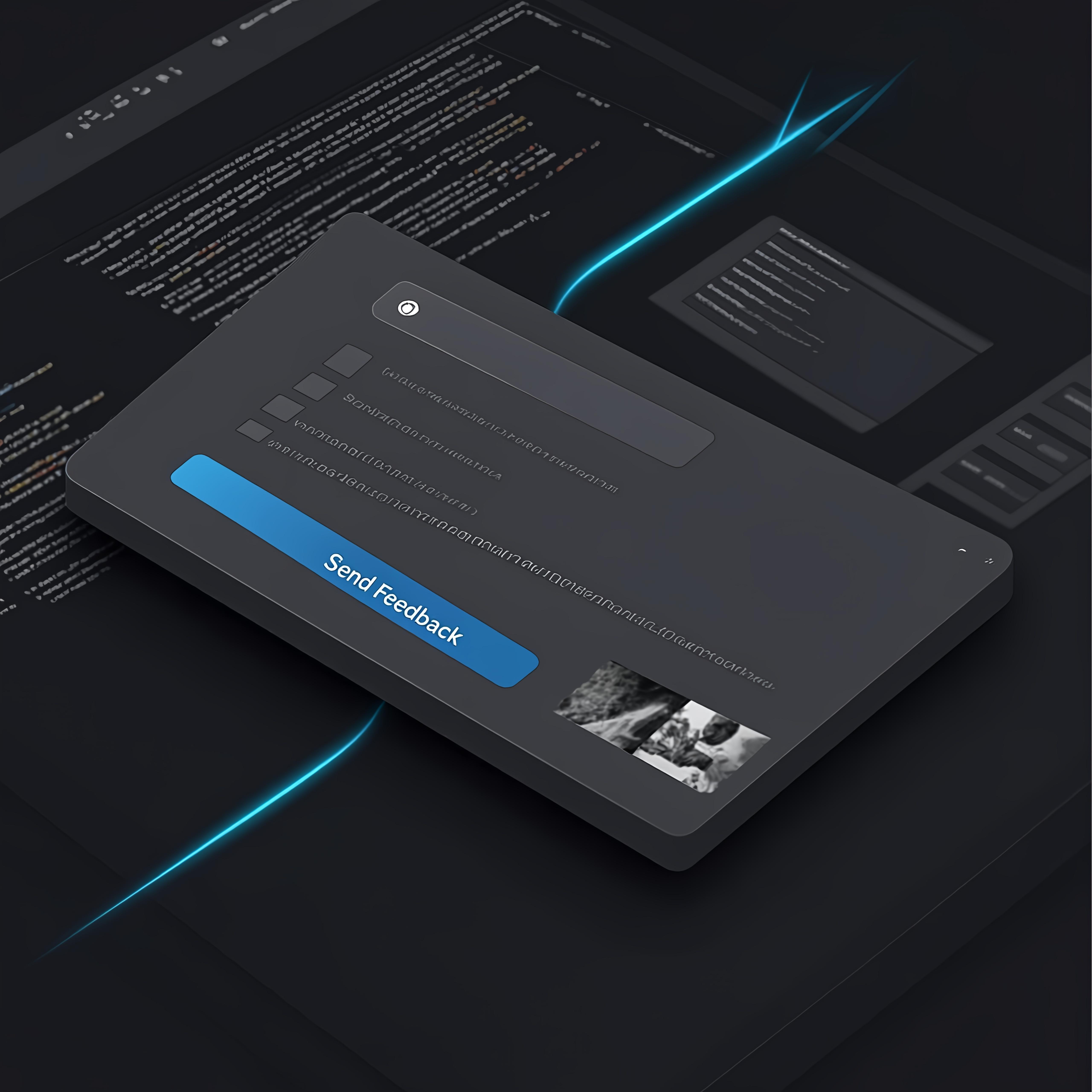
"Every flag you plant changes the story."
Plant your flag. Shape the route. Ship with confidence.
Human-in-the-loop interaction for AI coding workflows — because in every great visual novel, you choose the route.



Designed for Cursor · Claude Desktop · Cline · Windsurf
✨ What is "Flag"?
In visual novels and Galgames, a "flag" (フラグ) is the moment a choice triggers a new story branch. One decision changes everything.
Flag MCP brings that same power to AI-assisted coding. When your AI assistant hits a crossroads, it doesn't guess — it raises a flag and waits for you to choose the route.
🎮 You're the protagonist. The AI waits at every branching point.
💎 Every flag shapes the route. No more speculative rewrites.
🚀 Rich interaction. Text, screenshots, annotations — your full arsenal.
This transforms AI coding from "hope it works" into a narrative where you hold the controller.
Scope of Application:
- Coding plans billed on a per-request basis.
- Developers who wish to control AI behavior.
🔥 Before & After
| ❌ Without Flag MCP | ✅ With Flag MCP | |:--------------------:|:-----------------:| | AI guesses → wrong code → painful rework | AI raises a flag → you choose → correct code | | Multiple rounds of "wait, what did you mean?" | One structured dialog, crystal clear | | Anxious: "What is the AI about to do?!" | Confident: every action confirmed by you | | Helpless passenger | You are the route-setter |
🎯 Core Features
- 🖥️ Dark Themed UI — A sleek native desktop dialog that fits your workflow
- ✅ Route Choices — Structured predefined options (checkbox-style)
- 💬 Free Text — When the predefined routes aren't enough, write your own script
- 📷 Rich Media Arsenal
- Paste images from clipboard
- Select local files
- Screenshot + Built-in Annotator (rectangle, circle, arrow, pen, text, crop)
- 🖼️ Prompt Images — AI can show you images (local paths,
file://,http(s)://) - 🔒 Security First — Remote images validated, size-limited, async loaded
- 🎨 macOS Optimized — Proper icon handling and visual polish
📦 Installation
Prerequisites
- Python
>= 3.11 uv(recommended) orpip
Quick Install
git clone https://github.com/pauoliva/interactive-feedback-mcp.git
cd interactive-feedback-mcp
uv sync
⚙️ Configuration
Add to your MCP client configuration:
Cursor (mcp.json) / Claude Desktop (claude_desktop_config.json):
{
  "mcpServers": {
    "interactive-feedback": {
      "command": "uv",
      "args": [
        "--directory",
        "/path/to/interactive-feedback-mcp",
        "run",
        "server.py"
      ],
      "timeout": 900000,
      "autoApprove": ["interactive_feedback"]
    }
  }
}
⚠️ Note: Timeout is in milliseconds for Cursor (
900000= 15 min). Some clients use seconds — adjust accordingly.
🚩 The interactive_feedback Tool
Arguments
| Parameter | Type | Description |
|-----------|------|-------------|
| message | string | The question/prompt to display |
| predefined_options | array | Optional. Route choices for quick decisions |
| message_images | array | Optional. Images to show (local/remote URLs) |
Returns
- Text feedback from user
- Optional image attachments (as MCP image content blocks)
🧙 Pro Tips
Recommended Agent Rules
Add this to your AI assistant's custom instructions:
If requirements are unclear, call interactive_feedback before implementing.
Present predefined options whenever possible — give the user clear route choices.
Before finishing a task, call interactive_feedback once more for final confirmation.
Environment Variables
| Variable | Default | Description |
|----------|---------|-------------|
| INTERACTIVE_FEEDBACK_TIMEOUT_SEC | 60000 | Max UI process lifetime |
| INTERACTIVE_FEEDBACK_ICON | — | Custom app icon path |
| INTERACTIVE_FEEDBACK_REMOTE_IMAGE_TIMEOUT_SEC | 5 | Remote image fetch timeout |
| INTERACTIVE_FEEDBACK_REMOTE_IMAGE_MAX_BYTES | 10485760 | Max remote image size (10MB) |
🛡️ Security & Reliability
- ✅ Remote images validated by content-type (
image/*) - ✅ Large payloads rejected via size cap
- ✅ Async fetch keeps UI responsive
- ✅ Local files read only when explicitly referenced
📄 License
MIT License — fork it, flag it, ship it.
🚩 Plant your flag. Write your own route.
Made with 💜 for developers who refuse to be NPCs in their own codebase.