MCP server by thianesh
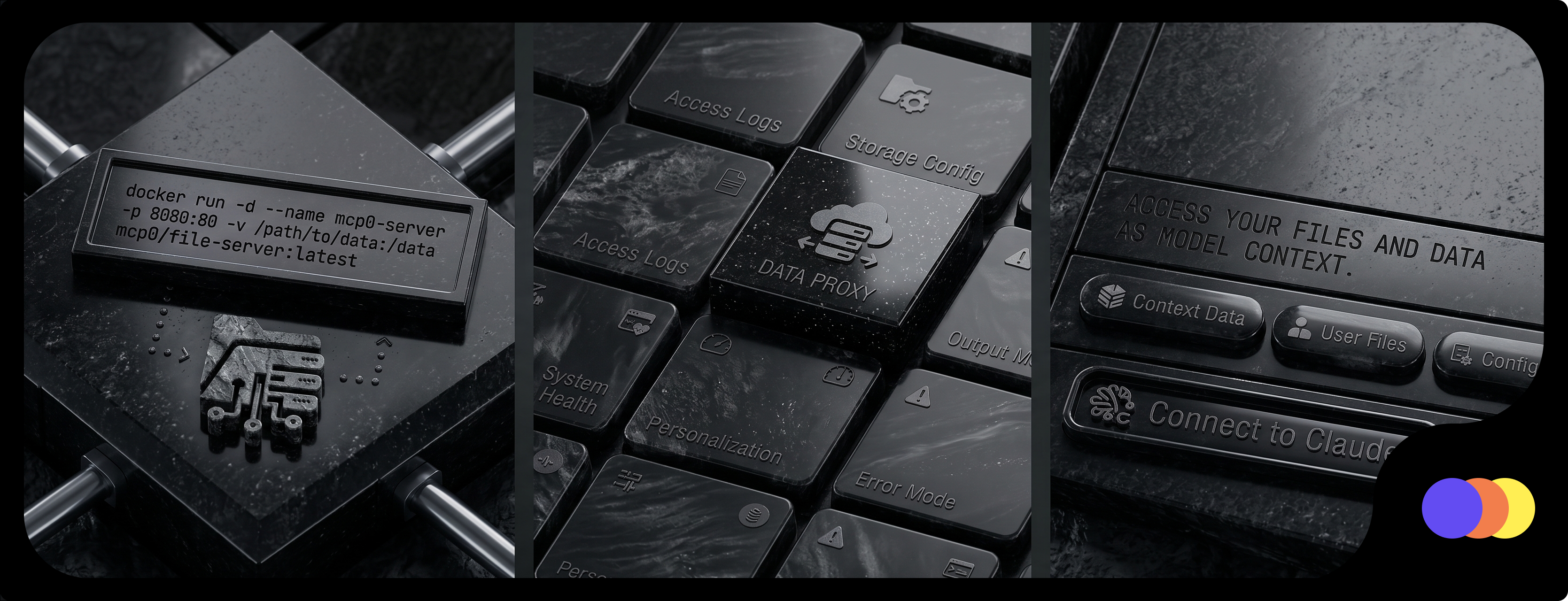
MCPO File Server: Organizational Memory
This project provides a secure, containerized file server that bridges the gap between manual file management and AI context. It exposes a full command-line style file edit feature to LLMs via OpenWebUI's MCPO, while also providing a standard web UI for humans to manage files.
By using volume binding, it acts as a persistent "organizational memory" where both humans and AI can collaborate on the same file system.
 Use Cases
1. LLM Wiki You can use this as a living wiki. Point your LLM client (like OpenWebUI or Claude) to the MCP endpoint. The AI can read, search, and edit markdown files as it learns new information, while your team can use the web UI to review or write articles manually.
2. Shared Knowledge Base Store your standard operating procedures, architectural decisions, and notes here. When employees ask questions, the AI can fetch the exact context it needs from the file system to provide accurate, up-to-date answers based on your actual internal documents.
3. Agent Workspaces You can set up a dedicated volume for autonomous agents. They can create files, log their outputs, or build codebases in a sandboxed environment, and you can monitor their progress through the file browser interface.
 Features
- MCP Integration: Full file edit capabilities (read, write, list, search) exposed via the Model Context Protocol.
- Web Interface: Integrated FileBrowser provides a standard web UI for manual file uploads and edits.
- Secure Access: Uses
mcp-auth-proxyto ensure OAuth 2.1 compliance and protect your files. - Persistent Storage: Data is stored on your host machine via Docker volume bindings so it isn't lost when containers restart.
 Configuration & Setup
1. Set up the environment
Create a .env file and set your API key. This acts as both your MCP authentication token and the FileBrowser admin password.
echo "MCP_API_KEY=your_password_here" > .env
2. Add your files
Place your content inside the mcp-file-system/ directory. This is the volume bound to the container.
mkdir -p mcp-file-system
3. Run the server Build and start the container using Docker Compose.
docker-compose up -d --build
 Access Points
- MCP Endpoint: Base URL (e.g.,
https://wiki.vldo.in/). Authenticate using yourMCP_API_KEY. - FileBrowser UI:
/files(e.g.,https://wiki.vldo.in/files). Login with usernameadminand yourMCP_API_KEY.
 Notes
Notes
- Make sure to keep your
.envfile secure and out of version control (it is ignored by default via.gitignore). - If you are deploying this publicly, ensure you are running it behind a reverse proxy with HTTPS enabled to protect your API key during transmission.