Turn your Android phone into an MCP server. No ADB needed. Control your device from OpenClaw, Claude Desktop, Claude Code, Cursor and other AI agents.
Android MCP Server
Turn your Android phone into a Model Context Protocol server. Control any app from OpenClaw, Claude Desktop, Claude Code, Cursor, Cline and other MCP-compatible AI agents.
Powered by zerotap — an AI agent that actually controls your Android phone.
No ADB, no USB, no rooting required. Just install the app, enable MCP Server in settings, and connect over Wi-Fi.
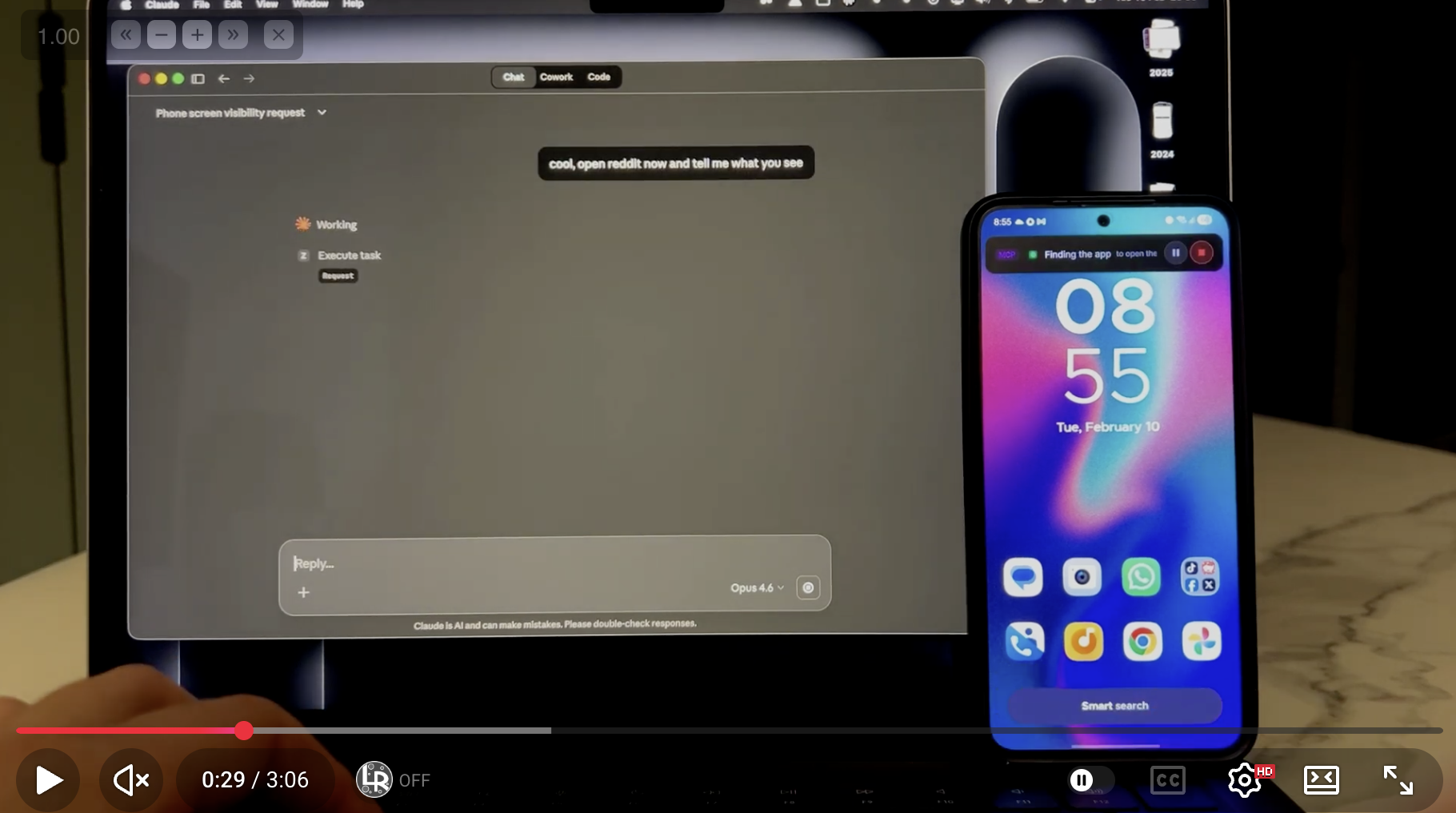
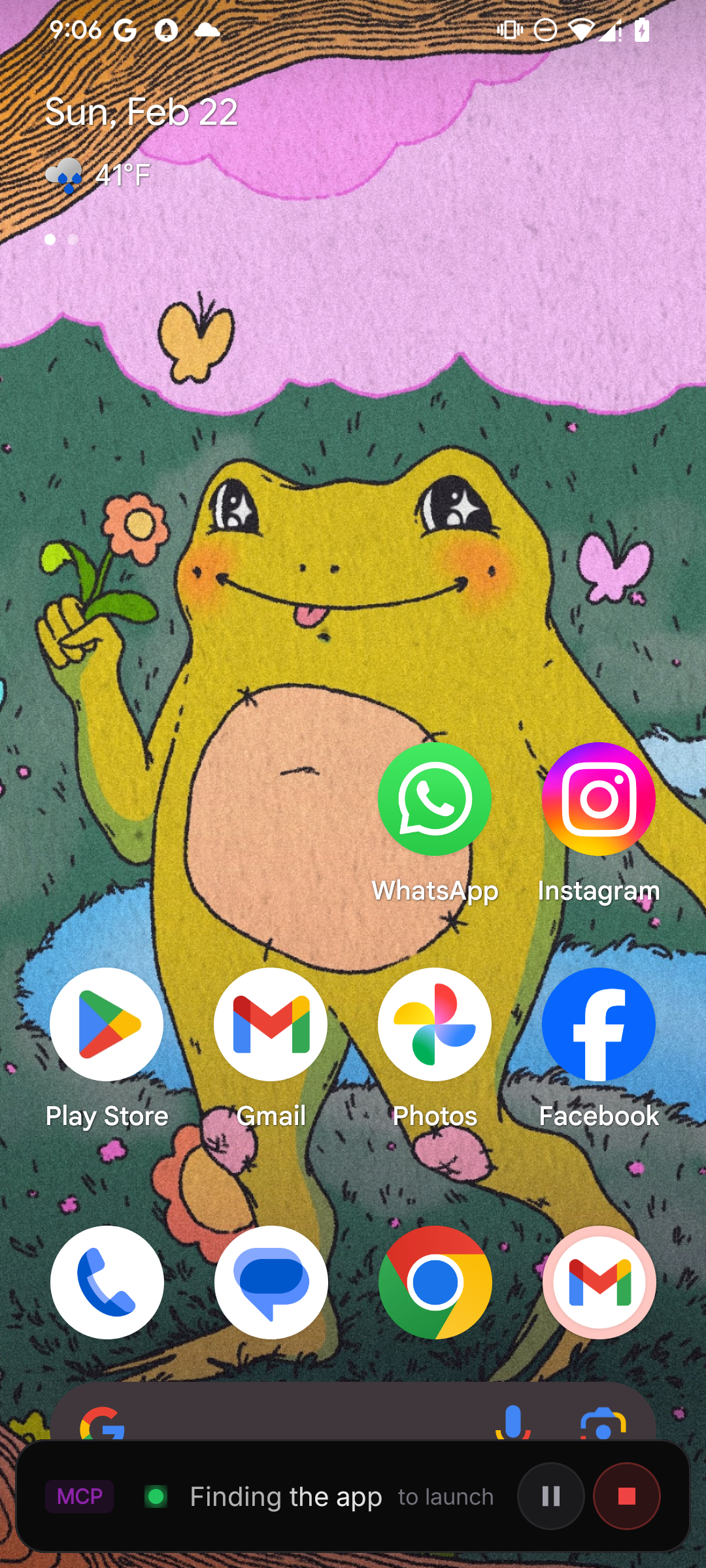
See it in action

What is zerotap?
zerotap is a lightweight AI assistant that turns a single plain-language sentence into a real action on your Android phone. No menus to dig through, no syntax to memorize — just type what you want and zerotap does it for you:
- "Open the camera and take a photo"
- "Send a message to Sarah saying I'll be 5 minutes late"
- "Open YouTube and find a brownie recipe"
Under the hood, zerotap reads your request and translates it into taps, swipes and keystrokes using Android Accessibility Service — all executed locally on your device.
Why an MCP server?
zerotap exposes its capabilities as an MCP server, so any compatible AI agent on your computer can control your phone over Wi-Fi. Your desktop AI thinks, your phone acts.
Compatible clients: OpenClaw, Claude Desktop, Claude Code, Cline, Cursor, and any MCP-compatible client.
Available tools
| Tool | Description |
|------|-------------|
| execute_task | Delegate a task to the zerotap agent. Describe what you want in natural language and zerotap handles the taps, swipes and typing. |
| get_screen_state | Returns the current UI hierarchy of the screen in a structured format. Useful for inspecting what's on screen before taking action. |
| get_device_status | Check if the device is ready — screen on, unlocked, accessibility service enabled. Returns a clear status with instructions if something needs attention. |
Quick start
1. Install zerotap & configure AI
Download zerotap from the Play Store. Sign in to zerotap Cloud or configure your own API key in BYOK mode.
2. Enable MCP Server
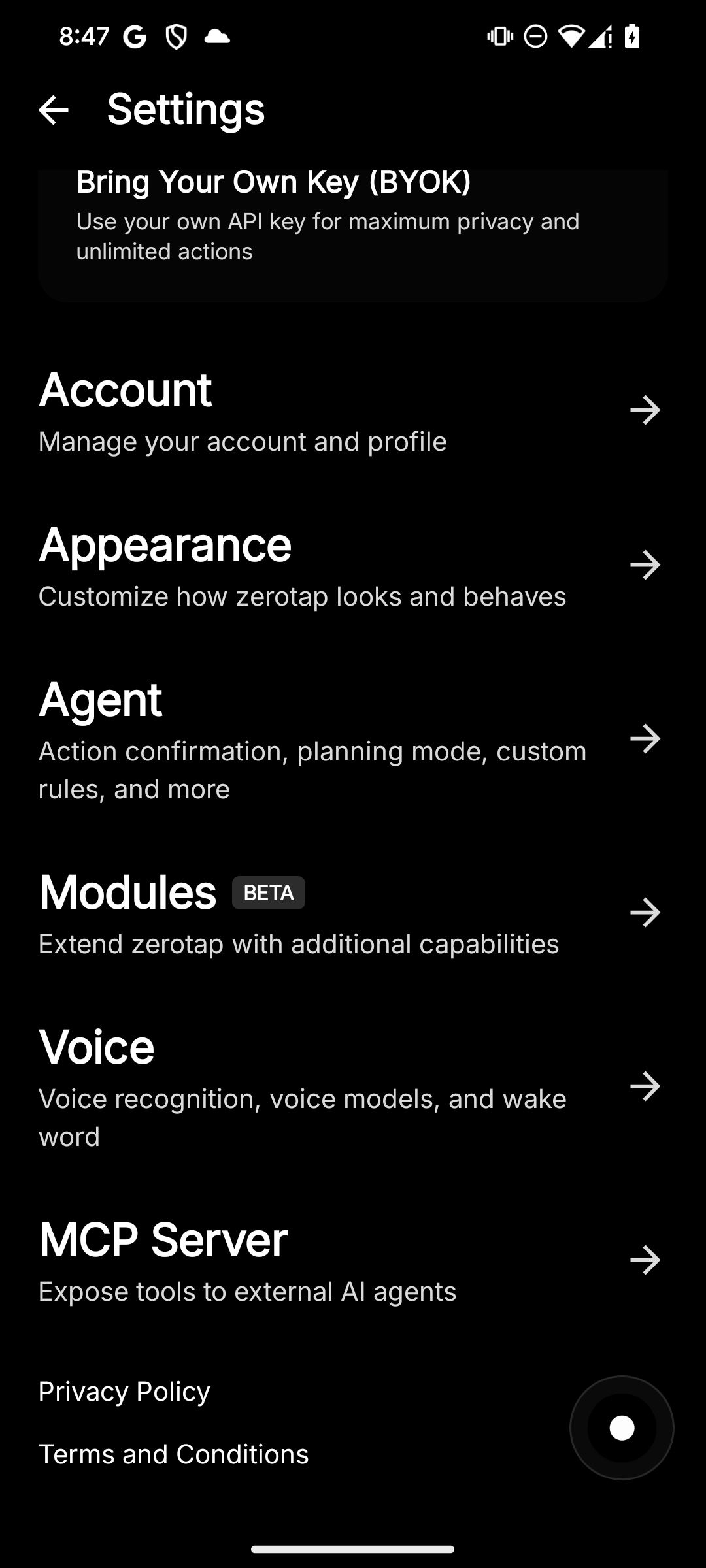
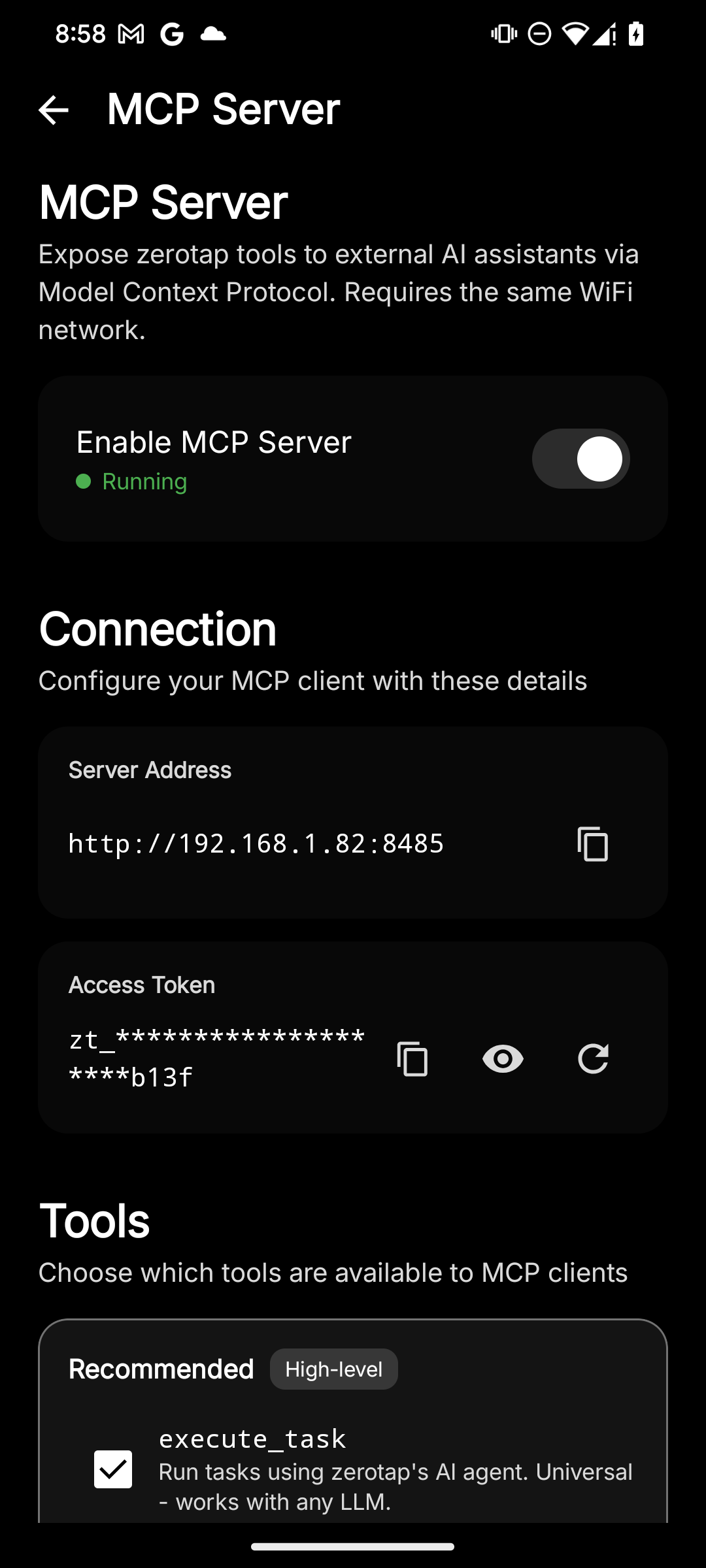
Go to Settings → MCP Server and flip the switch. Your phone starts an MCP server on the local network.
3. Connect your MCP client
Copy the config snippet from the app and paste it into your MCP client.
Setup guides
OpenClaw / Claude Desktop
Add to your MCP config:
{
  "mcpServers": {
    "zerotap": {
      "command": "npx",
      "args": [
        "mcp-remote",
        "http://<phone-ip>:8485/mcp",
        "--header",
        "Authorization: Bearer <your-token>",
        "--allow-http"
      ]
    }
  }
}
Claude Code / Cline
claude mcp add zerotap \
  -- npx mcp-remote \
  http://<phone-ip>:8485/mcp \
  --header "Authorization: Bearer <your-token>" \
  --allow-http
Cursor
Add to your .cursor/mcp.json:
{
  "mcpServers": {
    "zerotap": {
      "command": "npx",
      "args": [
        "mcp-remote",
        "http://<phone-ip>:8485/mcp",
        "--header",
        "Authorization: Bearer <your-token>",
        "--allow-http"
      ]
    }
  }
}
Any MCP client
Endpoint:  http://<phone-ip>:8485/mcp
Transport: Streamable HTTP (JSON-RPC 2.0)
Auth:      Bearer token (from zerotap app → Settings → MCP Server)
Bridge:    use mcp-remote if your client only supports stdio
Where to find
<phone-ip>and<your-token>? Open zerotap → Settings → MCP Server. Both values are displayed there with a copy button.
Cloud vs BYOK
zerotap works in two modes — both fully supported with the MCP server:
| | Cloud | BYOK | |---|---|---| | Setup | Sign in and go | Add your own API key | | AI providers | Managed by zerotap | OpenAI, Claude, Gemini, OpenRouter, DeepSeek, Ollama | | Data routing | Through zerotap servers (encrypted, never stored) | Directly to your chosen provider | | Best for | Quick start, no config | Full privacy control |
How it works
- Your MCP client sends a request (e.g.,
execute_taskwith "post a photo on Instagram") - zerotap's AI agent plans the sequence of actions
- The agent executes taps, swipes, and typing on your phone using Android Accessibility Service
- Results are returned to the MCP client
All actions are executed locally on your device. The AI processes the intent, but the actual interaction happens on-device.