An MCP server that gives Claude Code and other agents a real Chromium browser with live visual feedback
gimmick-search-mcp
An MCP server that gives Claude Code and other agents a real Chromium browser with live visual feedback.
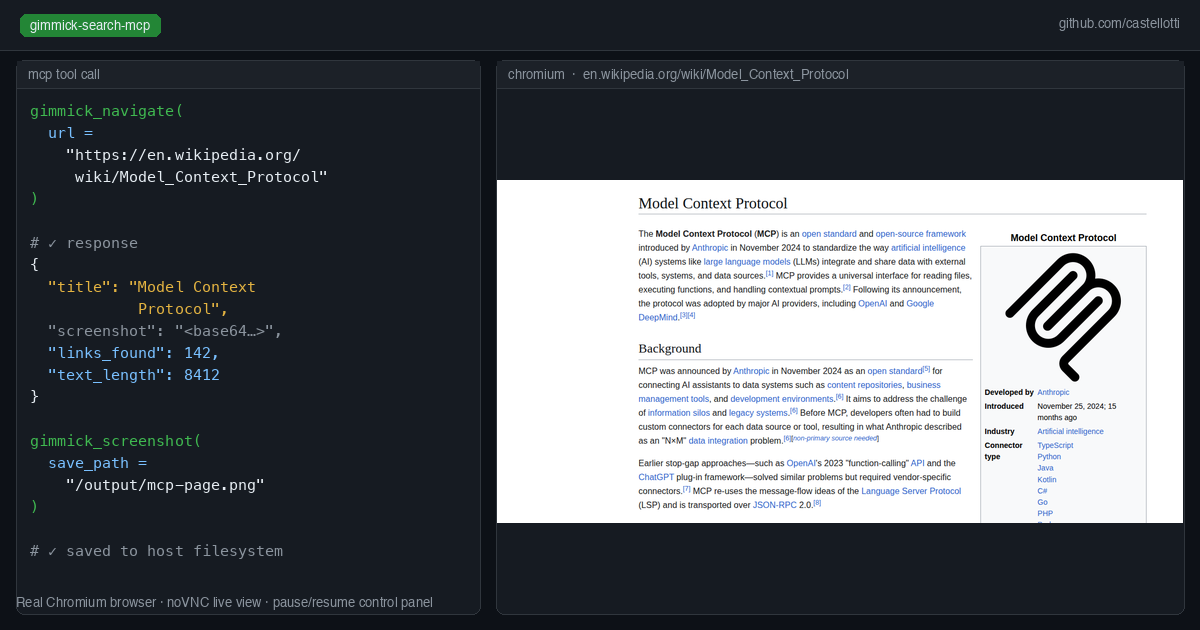
Unlike headless browser tools or text-only fetch tools, gimmick-search runs a visible Chromium instance on a virtual display (Xvfb) inside Docker, accessible via noVNC at port 6080. A control panel at port 6081 shows the activity log and lets you send messages to Claude or pause/resume/stop the session mid-run.
Every browser tool returns a base64 PNG screenshot alongside text output, so multimodal models can read the page visually without a separate vision call.
Why this exists
Most web research tasks fail with headless browsers or plain HTTP fetchers because:
- JavaScript-heavy sites (Alibaba, dynamic SPAs) need a real rendering engine
- CAPTCHAs and bot detection need human-looking browsing patterns
- Visual verification matters — screenshots let you catch when navigation went wrong
gimmick-search solves all three while keeping Claude in the loop with real-time visual feedback.
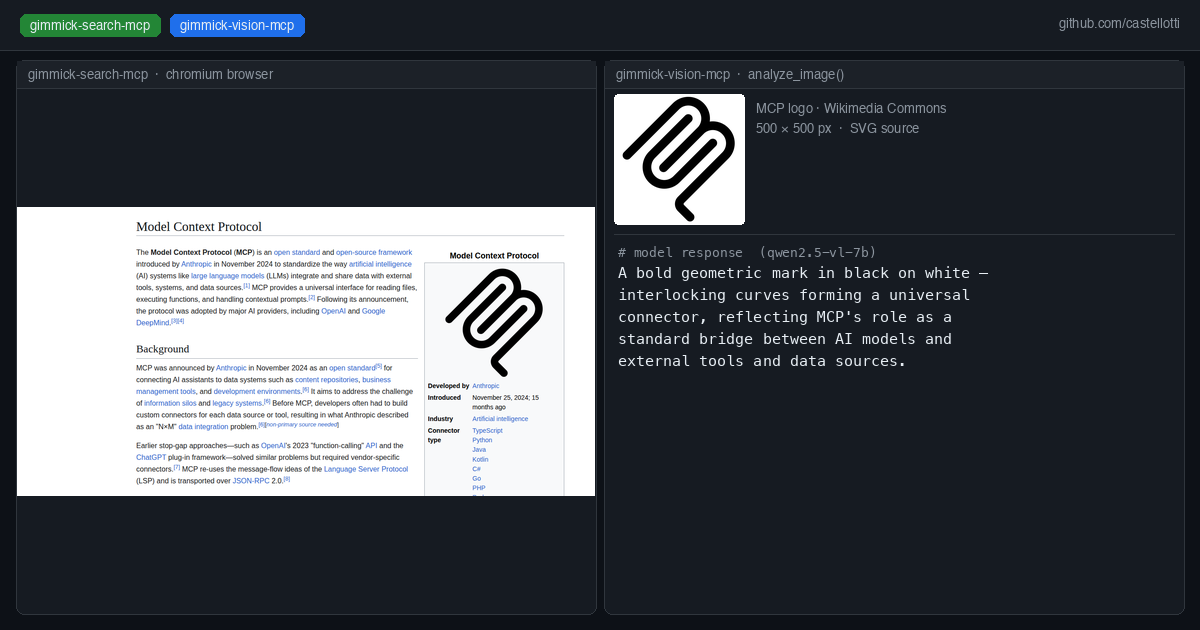
Optional: Combine with gimmick-vision
Claude Code and other agents (especially when running against a local LLM like Qwen3-Coder-Next) has no built-in vision capability. gimmick-vision adds three image analysis tools to the MCP toolset, routing vision requests to a separate local model — for example Qwen2.5-VL-7B — without any cloud API calls.
Tools provided
| Tool | Description |
|------|-------------|
| gimmick_open | Launch the browser. Reports any existing checkpoint. Must be called first. |
| gimmick_close | Close the browser and clean up. Call at the end of every session. |
| gimmick_navigate | Navigate to a URL. Returns title + screenshot. |
| gimmick_search | Search on Google, Bing, DuckDuckGo, Alibaba, or Made-in-China. Returns page text, links, screenshot. |
| gimmick_click | Click an element by visible text or accessible name. |
| gimmick_type | Type into an input field, optionally submitting. |
| gimmick_scroll | Scroll the page by pixels or to a fraction of page height. |
| gimmick_extract | Extract all visible text and links from the current page. |
| gimmick_screenshot | Take a screenshot, optionally saving it to disk. |
| gimmick_evaluate | Run arbitrary JavaScript in the page context. |
| gimmick_wait | Wait for a CSS selector or a fixed number of milliseconds. |
| gimmick_save_checkpoint | Save current URL, title, and cookies to /checkpoints/gimmick-checkpoint.json. |
| gimmick_load_checkpoint | Restore cookies from the last checkpoint, optionally navigating back to the saved URL. |
| gimmick_check_user_input | Poll for messages or control signals (pause/resume/stop) sent via the control panel. Call this every ~8 tool calls. |
| gimmick_pause | Pause the session (blocks Claude from continuing until resumed). |
Ports
| Port | Service |
|------|---------|
| 6080 | noVNC — live browser view in your browser at http://localhost:6080/vnc.html |
| 6081 | Control panel — activity log, pause/resume/stop buttons, send messages to Claude |
Usage with Claude Code (via Docker)
Add to your .mcp.json:
{
  "mcpServers": {
    "gimmick-search": {
      "command": "/bin/sh",
      "args": [
        "-c",
        "docker rm -f gimmick-search-mcp 2>/dev/null; mkdir -p \"$(pwd)/output/.checkpoints\" \"$(pwd)/output/images\"; docker run --rm -i --name gimmick-search-mcp -p 6080:6080 -p 6081:6081 --shm-size=256m -v \"$(pwd)/output/.checkpoints:/checkpoints\" -v \"$(pwd)/output:/output\" ghcr.io/castellotti/gimmick-search-mcp:latest"
      ]
    }
  }
}
--shm-size=256m is required — Chromium needs shared memory for rendering.
The -v mounts make checkpoints and screenshots available on the host filesystem.
Docker image
The image is published to the GitHub Container Registry on every push to main and on version tags:
docker pull ghcr.io/castellotti/gimmick-search-mcp:latest
Building from source
git clone https://github.com/castellotti/gimmick-search-mcp.git
cd gimmick-search-mcp
docker build -t ghcr.io/castellotti/gimmick-search-mcp:latest .
Building locally (TypeScript, no Docker)
npm install
npm run build
The compiled output is in build/index.js. The server expects to run inside a container with Xvfb, x11vnc, websockify, and Playwright's Chromium installed (see the Dockerfile).
Checkpoint / resume flow
Checkpoints save the current URL, page title, and all browser cookies to disk. On the next session, gimmick_open reports the saved checkpoint and the agent can call gimmick_load_checkpoint({ navigate: true }) to restore the full browser state and continue from where it left off.
gimmick_open()                           // always first
  └─ research loop:
       gimmick_navigate / gimmick_search / gimmick_click / gimmick_scroll ...
       gimmick_extract(max_length=30000)
       gimmick_screenshot(save_path="/output/images/page_01.png")
       gimmick_check_user_input()         // poll every ~8 calls
       gimmick_save_checkpoint()          // after each major step
gimmick_close()                          // always last
Saving screenshots to disk
Use the save_path parameter with any path under the mounted /output volume:
gimmick_screenshot(save_path="/output/images/result_01.png")
The file appears at ./output/images/result_01.png on the host.
Vision preview integration
If you run gimmick-vision-mcp alongside gimmick-search-mcp, it can push image analysis results to the control panel at http://localhost:6081/api/vision for a real-time vision preview in the sidebar.
Environment variables
None required. The browser path is auto-detected from PLAYWRIGHT_BROWSERS_PATH (defaults to /ms-playwright, set by the Playwright base image).
Requirements
- Docker (recommended) — the Dockerfile handles all system dependencies
- Or: Node.js 20+, Xvfb, x11vnc, websockify, noVNC, and Playwright's Chromium installed natively
License
MIT